
Kling 2.6 Video Generator — Cinematic Clips
Make cinematic clips fast with Kling 2.6 Video Generator.
Feedback
All Tools
Browse AI tools.

Veo3.1
Create Stunning Videos with Veo3.1
AI Effects
Kling 2.6
See the Sound, Hear the Visual.
Sora2 Video Generator
Advanced AI Video Generator for High-Quality Videos
Kling Motion Control
Turn reference images into amazing motion videos in minutes
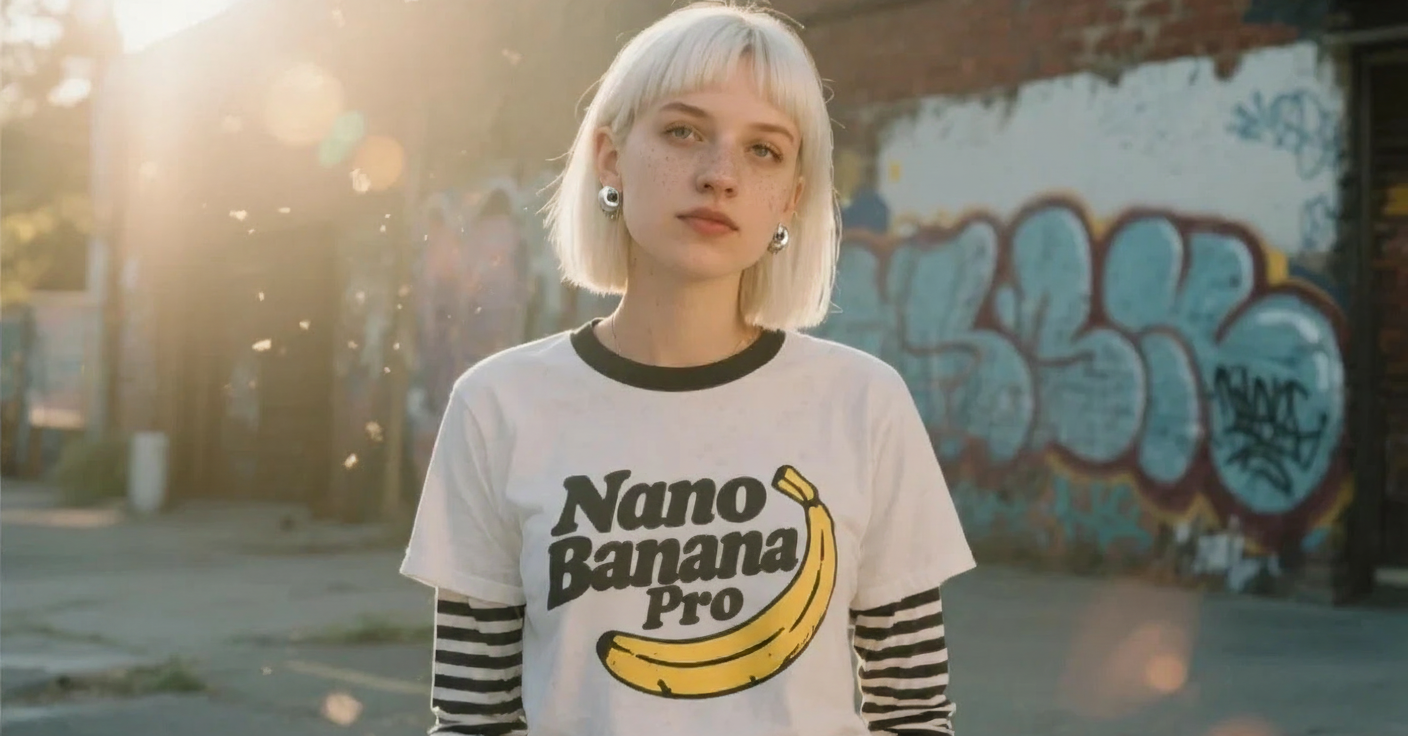
Nano Banana Pro
Advanced AI Image Generator
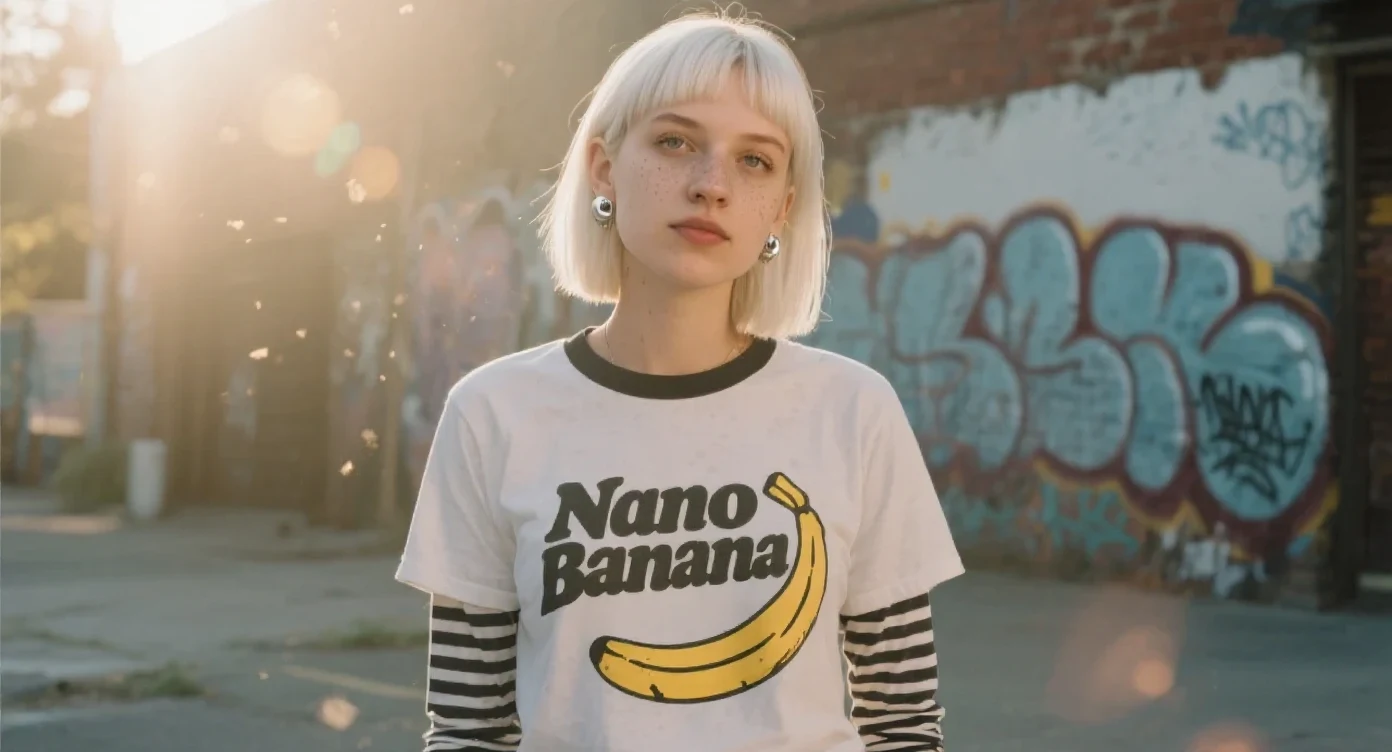
Nano Banana Image Generator
Advanced AI Image Generator

Suno AI Music Generator
Create Professional Music with AI
Why Kling 2.6
Cinematic visuals and expressive motion for short-form storytelling.
- Prompt-AwareInterprets concise prompts for coherent scenes.
- Fast OutputPolished clips in minutes for mobile sharing.
- Cinematic QualityStable characters and clear framing.
Create videos in 3 simple steps
Make cinematic clips in three quick steps.
Kling 2.6 Features
Cinematic visuals, precise camera, and expressive motion for short films and ads.
Lifelike Visual Fidelity
Generate realistic scenes with clear, detailed rendering.
Crystal-Clear Text Rendering
Keeps typography sharp and legible in every frame.
Precise Instruction Following
Follows creative direction with accuracy across shots.
High-Speed Processing
Delivers results in minutes with optimized speed.
Diverse Artistic Styles
Create across aesthetics, from cinematic to stylized.
Stable Character Rendering
Maintain continuity with stable characters shot to shot.
Kling 2.6 — FAQs
Answers about Kling 2.6 speed, style, and exports.
What is Kling 2.6?
An AI tool for creating cinematic short clips from text or images.
Is Kling 2.6 free?
Free credits are available for testing and quick iterations.
How fast is it?
Most clips generate in a few minutes depending on length.
What resolutions are supported?
Supports up to 1080p with flexible aspect ratios.
Is it suitable for business?
Commercial rights depend on plan and license.
Why choose Kling 2.6?
Fast, photorealistic, and mobile-ready cinematic output.
Start creating with Kling 2.6 Video Generator
Turn ideas into cinematic videos fast—ready for mobile and web.